
 Join our Discord
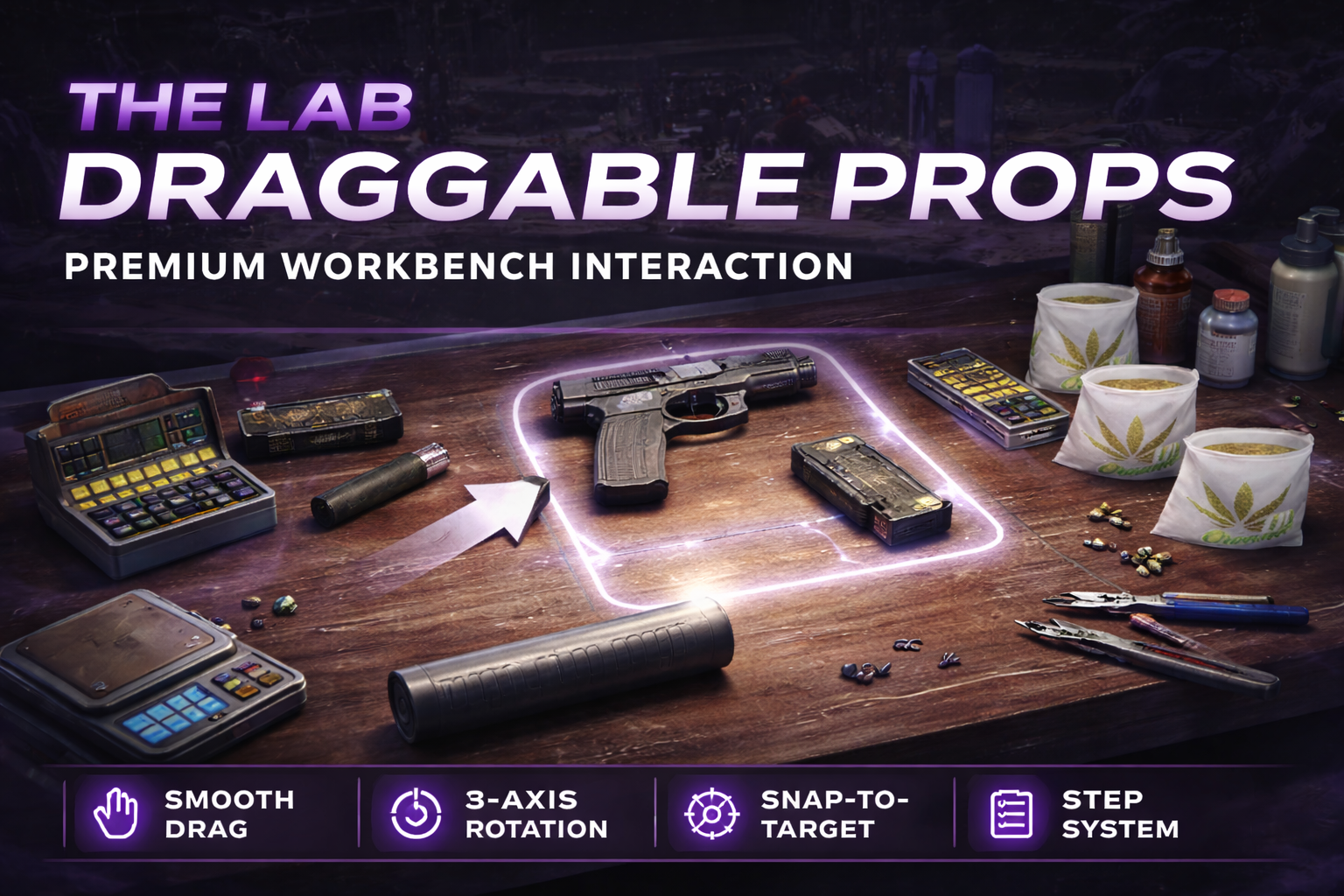
📦 TLB Draggable Props (3D Prop Interaction Library)
TLB Draggable Props is a premium, high-performance FiveM library designed for developers who want to implement immersive, physical prop interactions. Whether you're building a chemical laboratory, a cooking system, or a mechanical workshop, this tool provides the foundation for smooth, real-time 3D drag & drop mechanics.
✨ Key Features
- 🎯 Two Interaction Modes:
- Raycast Mode: Drag props freely in 3D space, following your cursor with depth awareness.
- Flat Mode: Lock props to a specific plane (depth), perfect for table-top interactions or isometric-style mini-games.
- 💫 Smooth Visuals: 3D outliner/highlighting, subtle camera transitions, and entity animations (vibration, smooth movement).
- 🎨 NUI Interface: Integrated "Steps" system with a timer, custom controls labels, and a premium purple/dark theme.
- 🔄 Advanced Rotation: Rotate props on the fly using the mouse scroll wheel while dragging.
- 🛠️ Physics-Based Drops: Realistic drop logic with smooth entity placement and optional "shake" effects.
- 📐 Proximity Logic: Intelligent drop validation using model dimensions and distance thresholds.
- 🌍 Multi-language Support: English, French, and Spanish locales built-in.
🚀 Installation
-
Download the resource and place the
tlb-draggable-propsfolder into your server'sresourcesdirectory. -
Ensure the resource in your
server.cfg:ensure tlb-draggable-props - (Optional) Configure the default settings in
shared/config.lua.
🛠️ Developer API (Exports)
TLB Draggable Props is designed to be used as a library from other resources.
exports['tlb-draggable-props']:Register(config)
Registers a new interaction session.
Parameters:
-
config(table): The session configuration.-
props(list): Entities to spawn. -
interactions(list): Drag & Drop logic (which prop goes where). -
steps(list): UI task list. -
stepsTitle(string): Title of the UI panel. -
dragMode(string):'raycast'or'flat'.
-
exports['tlb-draggable-props']:Start(options)
Starts the interaction session.
exports['tlb-draggable-props']:Stop()
Force-stops the current session and cleans up entities.
exports['tlb-draggable-props']:DetachFromCursor()
Stops the "following" logic for the currently held prop. Useful for starting an animation when a drop is validated.
🧪 Usage Example
local cfg = {
    dragMode = 'flat',
    dragDepth = 2.2, -- Distance from player
    props = {
        {
            model = 'prop_cs_pills',
            coords = vector3(100.0, 200.0, 30.0),
            name = 'Reagent Bottle'
        },
        {
            model = 'xm3_prop_xm3_lsd_beaker_02a',
            coords = vector3(101.0, 200.0, 30.0),
            name = 'Mixing Beaker'
        }
    },
    interactions = {
        {
            drag = 'prop_cs_pills',
            drop = 'xm3_prop_xm3_lsd_beaker_02a',
            callback = function(draggingProp, dropTarget)
                -- Interaction logic (animations, FX, etc.)
                print("Interaction successful!")
            end
        }
    }
}

exports['tlb-draggable-props']:Register(cfg)
exports['tlb-draggable-props']:Start({ enableCamera = true })
⚙️ Configuration
The shared/config.lua file allows you to customize the global behavior:
- Highlighting: Change the outline color and thickness.
- Controls: Rebind interaction keys (Grab, Rotate, Quit).
- Camera: Adjust default FOV, offsets, and transition speeds.
- UI: Customize the Labels (font, size, background colors).
❤️ Credits
Developed with ❤️ by The Lab. For support and updates, join our community.